
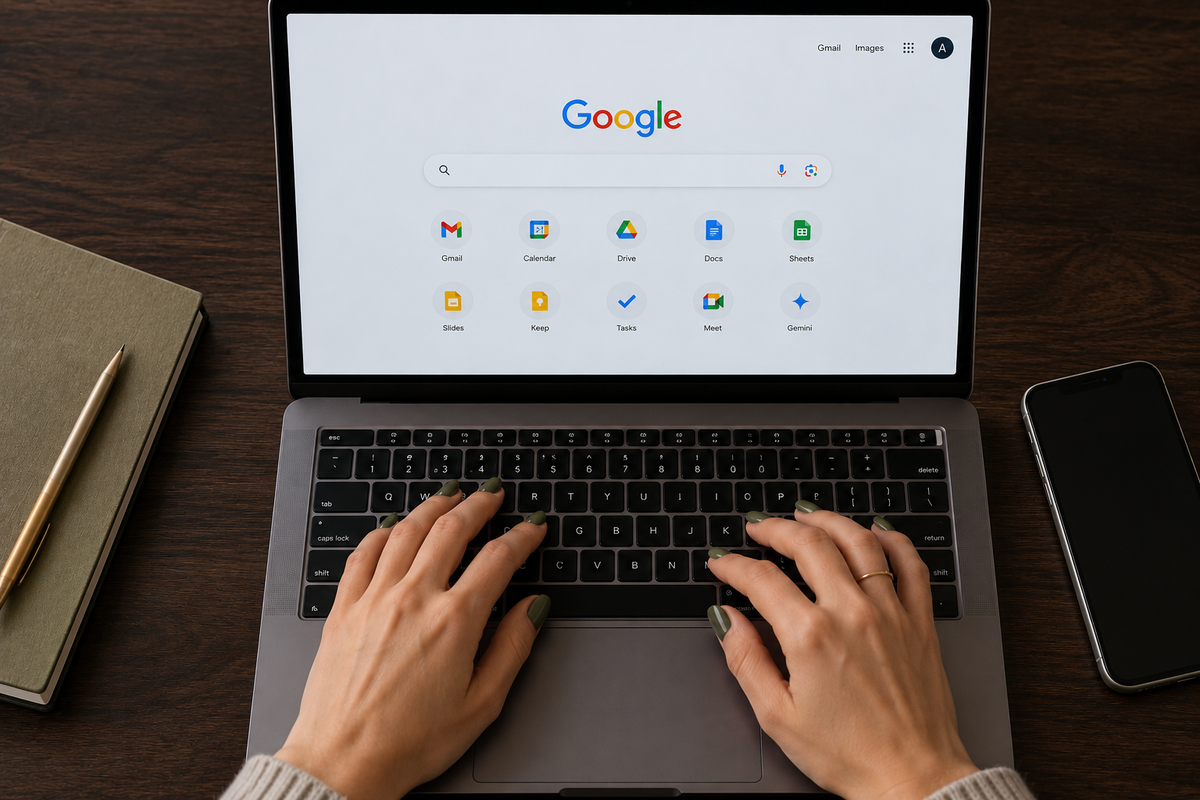
The Google Features Worth Setting Up If You’re Always Short On Time
You probably already use Gmail, Chrome and Google Calendar every day. A few less obvious settings can take care of follow-ups, reminders and small pieces of admin before they start competing for your attention.
Being organised often has less to do with finding a better productivity app and more to do with stopping small tasks from living in your head. An email arrives that needs a reply next week. You remember something while walking to work. A meeting needs adding to the calendar. You open the same five websites every morning. None of these jobs takes long, but together they create a surprising amount of mental clutter.
Google already has tools for most of them. The useful part is knowing which ones are worth setting up.
Turn Emails Into Tasks Instead Of Leaving Them Unread
An unread email often becomes an unofficial to-do list. You leave the message sitting in your inbox because you need to do something with it later, then keep seeing it every time you check your mail.
Gmail can move the action into Google Tasks instead. The original email stays linked to the task, and once you add a due date, the task can also appear in Google Calendar. Google fur Einsteiger – Septemb…
Try it with: invoices to pay, forms to return, travel details to check or emails that need a considered reply.
How to use it: open the email, add it to Tasks, rename the task so it describes the action rather than the email subject, then give it a realistic due date.
“Reply to Laura about Thursday” is far more useful than “Re: Meeting”. The email stops demanding attention every time you open your inbox, while the task appears when you actually need to deal with it.
Put Tasks On The Calendar When They Have A Real Deadline
A task list can become another place where work disappears. If something genuinely has to happen on Tuesday, give it a Tuesday date.
Google links Tasks with Calendar, so dated tasks can appear alongside your appointments rather than remaining on a separate list you have to remember to check. Google fur Einsteiger – Septemb…
“Buy dishwasher tablets” can stay on a general list. “Submit expenses by Friday” deserves a date.
Use dates for commitments rather than everything you would vaguely like to accomplish. Otherwise the calendar becomes just as noisy as the inbox.
Use Google Keep As Your Temporary Memory
Not every thought deserves a calendar event or a formal task. That is where Google Keep works well. Keep lets you create notes and checklists, add reminders and sync them between your computer and phone. Google fur Einsteiger – Septemb…
Use it for information you need to capture quickly rather than organise perfectly.
A running grocery list. Things to pack before a trip. Books someone recommends over dinner. Measurements for a room. Questions for your next appointment. Ideas that would otherwise end up across screenshots, WhatsApp messages and scraps of paper.
A helpful advice is to keep one note for each recurring category rather than starting a new note every time. One “Things To Buy” note is easier to use than seventeen forgotten shopping lists.
Pin The Tabs You Open Every Morning
If your working day always begins with Gmail, Calendar, a project-management tool and one or two dashboards, there is little reason to search for them again every morning.
Chrome lets you pin frequently used tabs. Pinned tabs take up less space and can reopen automatically with a new browser window. Google fur Einsteiger – Septemb…
Right-click a tab and choose Pin. The trick is not to pin twenty.
Reserve it for the small group of tools that genuinely form your daily workspace. Three or four pinned tabs can make the browser feel organised; fifteen simply recreate the clutter in miniature.
Sync Chrome Before You Need Something On Another Device
Finding the useful article you bookmarked last week becomes irritating when the bookmark exists only on your office laptop.
Chrome can synchronise bookmarks, extensions, apps, themes and browser settings through your Google account, making them available across your devices. Google fur Einsteiger – Septemb…
You can choose what you want to synchronise rather than treating it as an all-or-nothing setting. This is good if you regularly move between a work computer, home laptop and phone. Set it up once, then stop emailing links to yourself.
Ask Gemini To Put Something In Your Calendar
AI becomes increases your productivity when it removes a step rather than simply giving you another answer to read. Gemini can connect with Google Workspace and add calendar events from natural-language instructions. The source gives the example of asking Gemini to add an appointment and letting it interpret phrases such as “next Thursday”. Google fur Einsteiger – Septemb…
Instead of opening Calendar, finding the right date and filling in the fields, you can give Gemini the information in one sentence.
For example:
“Add dentist on Thursday at 3pm for one hour.”
Or:
“Put dinner with Anna in my calendar next Friday at 7pm.”
You should still check important dates before relying on them, particularly when travel, time zones or ambiguous wording are involved. The gain comes from reducing the number of small manual steps, not handing over your diary without looking.
Give Different Kinds Of Information Different Homes
The biggest improvement comes from deciding where things belong. Email is for communication and tasks are for actions. Calendar is for things tied to a date or time. Keep is for information you need to remember but do not need to schedule. Chrome holds the places you return to constantly. Once those roles become consistent, you spend less time asking yourself where you put something. You also stop using the inbox as a reminder system, the calendar as a wish list and your browser as a pile of open tabs you are frightened to close.
Set Up One Change At A Time
There is no advantage in redesigning your entire digital life on a Sunday afternoon. Pick the friction you notice most often. If emails disappear into the inbox, begin by turning them into Tasks. If you constantly send links to yourself, switch on Chrome sync. If you keep remembering things at inconvenient moments, make one permanent Keep note and use it for a week. If your calendar admin annoys you, connect Gemini and try giving it simple appointments. The most useful productivity system is rarely the one with the most features. It is the one that quietly remembers the small things so you do not have to.


